Scan documents, photos and videos in one friendly desktop app. Find exact duplicates, visually similar images, resized copies and rotated photos — then review everything before cleanup.
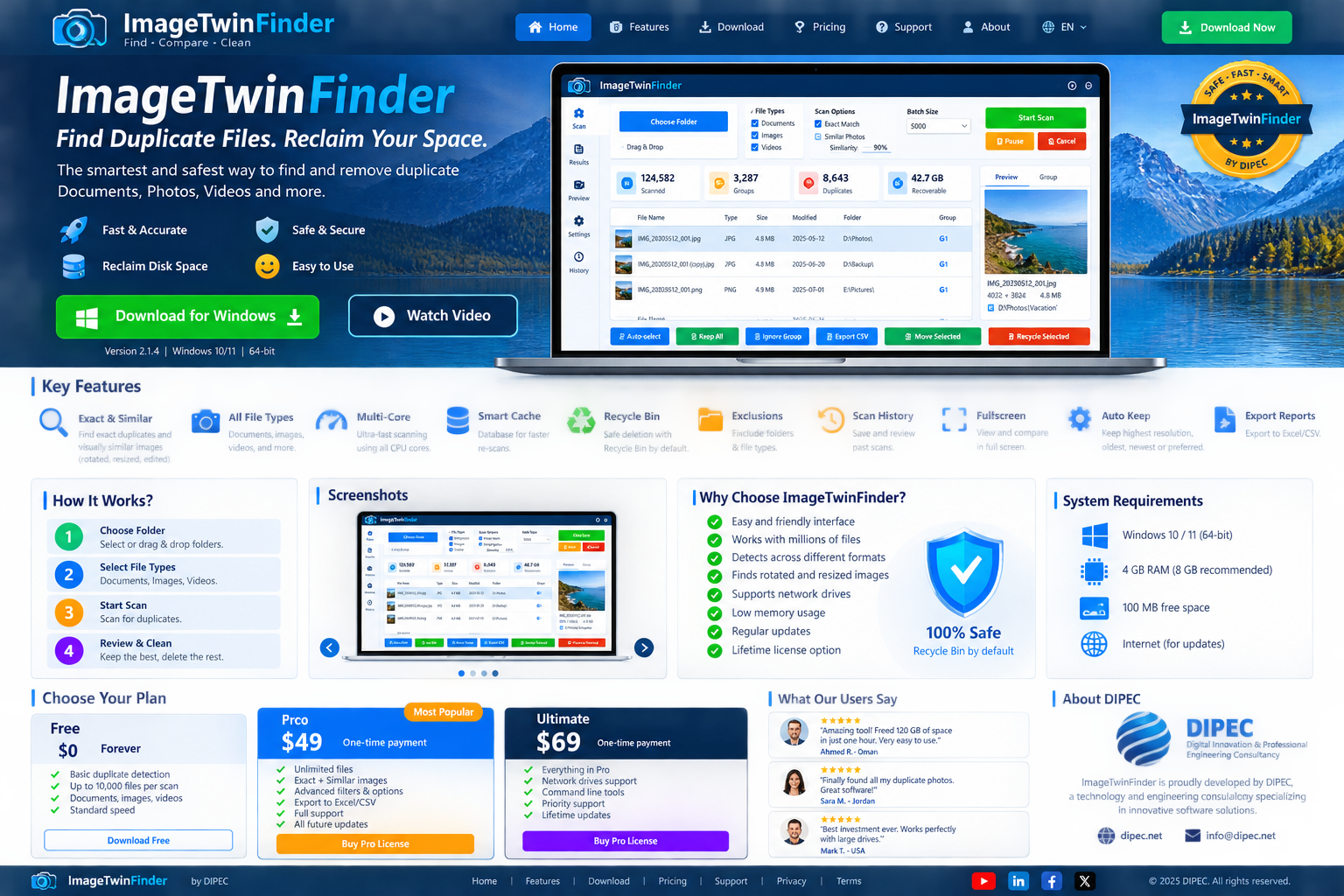
ImageTwinFinder combines accurate duplicate detection with a clear review workflow designed for large personal and professional file collections.
Compare actual content instead of relying on file name or extension.
Find resized, rotated and visually similar photos with adjustable similarity.
Select one or several file categories and scan them together.
Process large libraries in manageable batches and continue with the next batch.
Reuse fingerprints for unchanged files to make later scans much faster.
Recycle Bin is the default. Keep-one rules reduce accidental deletion risk.
See scanned files, duplicate groups, copies and estimated recoverable space.
Export CSV reports and keep scan history for future review.
Exclude folders that should never be scanned.
Inspect duplicates visually before deciding what to keep.
Prefer highest resolution, oldest, newest or a preferred image format.
Stay in control during long scans without losing the review workflow.
Built to feel familiar even for users who are not technical.
Browse for one or more folders, or drag folders into the app.
Choose Documents, Images, Videos, or any combination.
Select a batch size, choose exact or similar-image detection, and scan.
Preview groups, mark what to keep, then recycle or move selected copies.
From home photo libraries to professional archives, ImageTwinFinder is designed for collections that are too large to clean manually.
No subscription required. Start free, then upgrade once if you need the advanced tools.
| Feature | Free | Pro | Business |
|---|---|---|---|
| Exact duplicate scanning | ✓ | ✓ | ✓ |
| Documents / Images / Videos | ✓ | ✓ | ✓ |
| Similar image detection | — | ✓ | ✓ |
| Cache / history / CSV export | Limited | ✓ | ✓ |
| Commercial use | — | — | ✓ |
| Lifetime license | Free | ✓ | ✓ |
Download ImageTwinFinder for Windows and start with the Free plan. Upgrade only when you need the advanced tools.